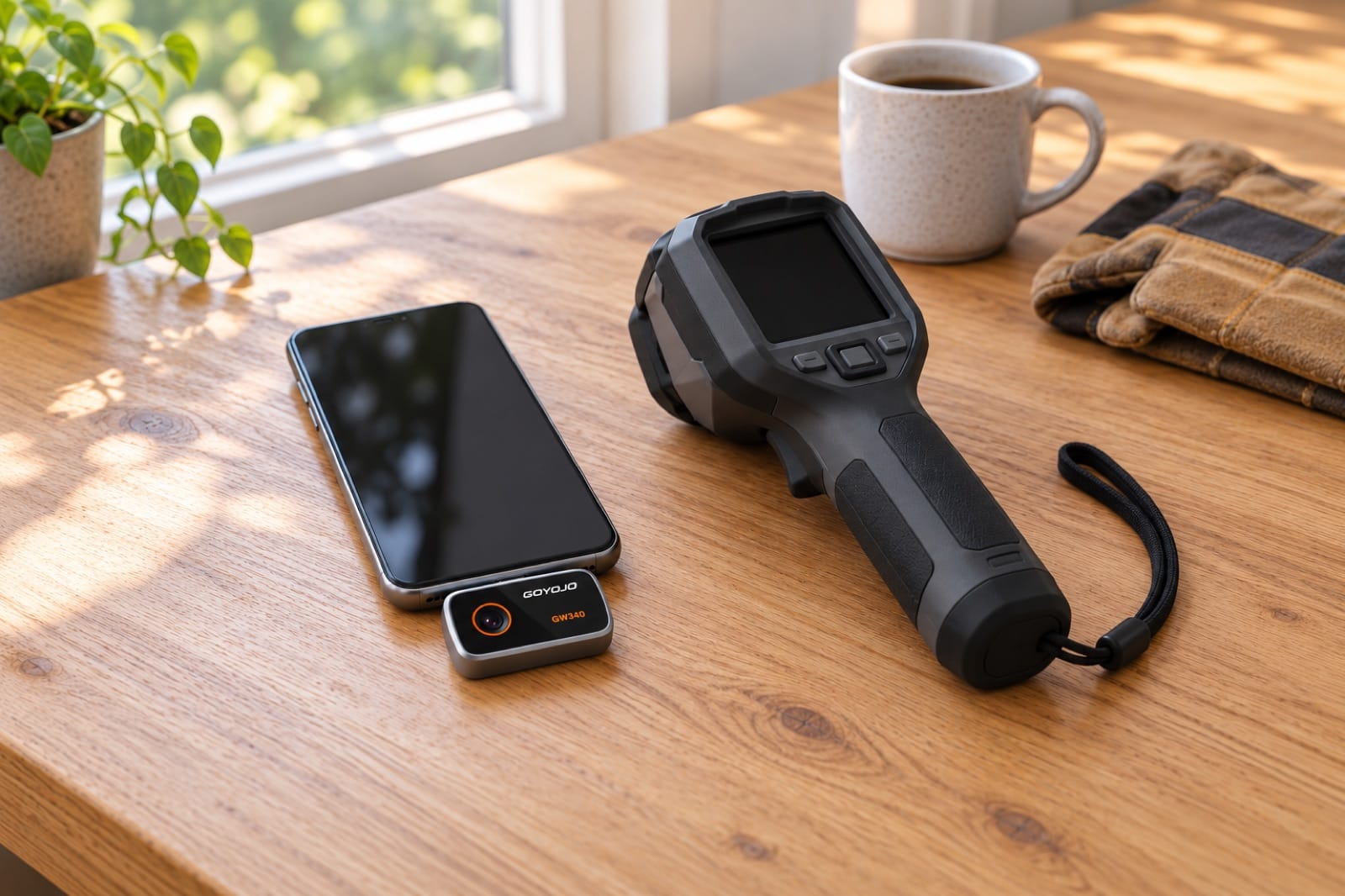
Will it work with my phone?
Every tool here plugs into a phone except Damp, which needs none. Whether it fits comes down to two things: the port on your phone (Lightning or USB-C) and, for the thermal cameras, the model or Android version the maker has tested.
USB-C iPhone 15, 16, 17 or 18, or a USB-C Android phone: everything works (the thermal cameras need Android 12 or newer). iPhone 14 or older with Lightning: Reach Duo fits with the adapter in its box, and Damp needs no phone; the thermal cameras and Reach 360 don't.
All tools, all phones
| Your phone | Spark · Spark Pro | Reach 360 | Reach Duo | Damp |
|---|---|---|---|---|
| iPhone 14 and older (Lightning) | ✕ Won't fit | Not confirmed | ✓ Works (adapter in the box) | ✓ No phone needed |
| iPhone 15, 15 Plus, 15 Pro, 15 Pro Max | ✓ Works | ✓ Works | ✓ Works | ✓ No phone needed |
| iPhone 16 and iPhone 17 models | ✓ Works | ✓ Works | ✓ Works | ✓ No phone needed |
| iPhone 18 models | ✓ Works | ✓ Works | ✓ Works | ✓ No phone needed |
| Android, USB-C, Android 12 or newer | ✓ Works | ✓ Works | ✓ Works | ✓ No phone needed |
| Android, USB-C, older than Android 12 | ✕ Not supported | ✓ Works | ✓ Works | ✓ No phone needed |
| Android with micro-USB | ✕ Won't fit | ✕ Won't fit | ✓ Works (adapter in the box) | ✓ No phone needed |
"Not confirmed" means we haven't confirmed that model works with the camera. Email us before you order and we'll check. If a tool doesn't work with a phone we list as compatible, we refund you in full, including return shipping.
How to check your phone
- iPhone: Settings → General → About shows the model name. iPhone 15 and newer have USB-C; iPhone 14 and older have Lightning.
- Android: Settings → About phone shows the Android version. A USB-C plug is oval and fits either way up; micro-USB is smaller and has one flat side.
- iPad and tablets aren't on the makers' lists. Email us before you order.
Which iPhones have USB-C?
| iPhone | Port |
|---|---|
| iPhone 15, 16, 17 and 18 models | USB-C |
| iPhone 14, iPhone 13 and older | Lightning |
| Every iPhone SE | Lightning |
Not sure? Look at the charging cable: a Lightning plug is small and flat with metal contacts on the outside, and USB-C is oval and hollow in the middle.
If it doesn't connect
- Take off a thick case, which can stop the plug from going all the way in.
- Close the app, plug in the camera, then open the app again.
- Allow access when the phone asks.
- On Android, turn on OTG in the phone's settings.
- Still nothing? Email us before you send anything back. It's usually a setting.
Apps
- Spark and Spark Pro: THG Start, free on the App Store and Google Play.
- Reach Duo: the maker's free app for iOS and Android — scan the QR code in the box.
- Reach 360: the maker's free app, linked in the manual.
Android phone not seeing the camera? See inspection cameras for Android — it's usually the OTG setting.