See what’s hiding
in your walls.
Three real tools that turn your phone into a home inspector. Find the leak, look inside the wall, prove it’s wet — before it turns into a repair bill.
Where is it. What is it. How bad is it.
Most hidden problems in a house are water, heat or something you can’t reach. Each tool answers one question — together they answer all three.
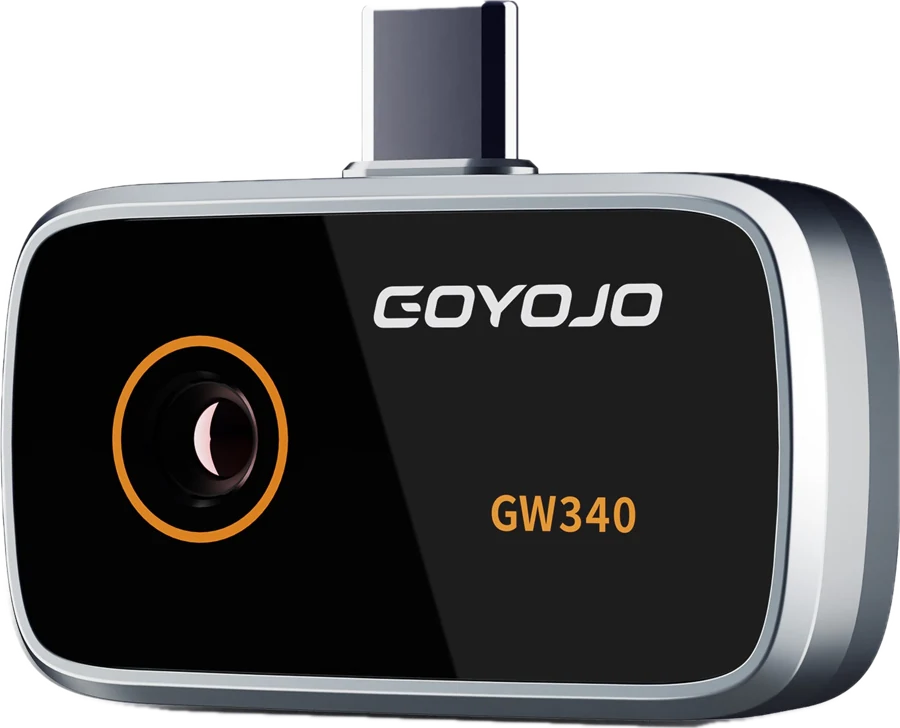
Thermal camera
Shows temperature as colour. Leaks show up cold, overloaded plugs and wires show up hot.
How it works ↓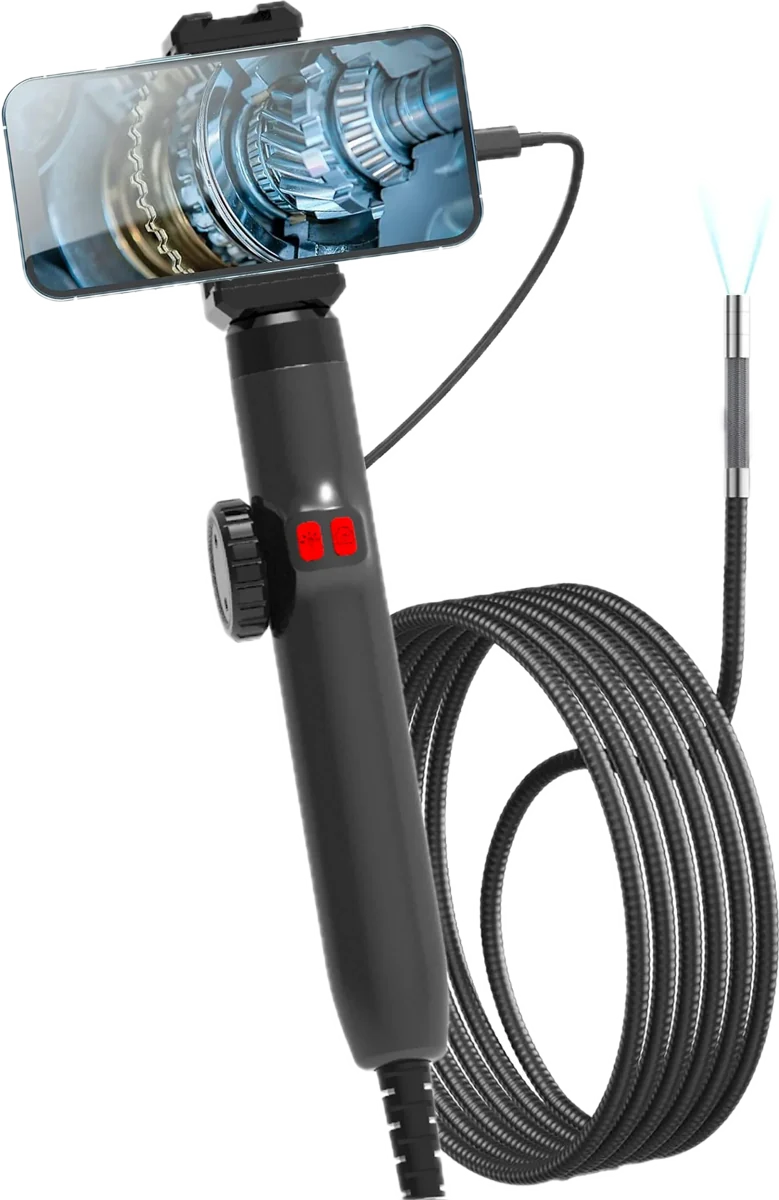
Inspection scope
A camera on a cable with its own lights. Slides into a small hole and bends its tip to look around inside.
How it works ↓
Moisture meter
Press the metal ball against the wall — it reads how wet the material is, 5–40 mm deep, without a single hole.
How it works ↓The leak shows up cold.
The fault shows up hot.
Water evaporating behind plaster cools the wall. A loose connection heats the plug. Your eyes see a clean wall and a plug — Spark sees the wet patch and the overheating plug in a second. Drag the line.
- Plug it into your phoneUSB-C port only — it runs off the phone, no battery to charge.
- Open the free app“THG Start” for iPhone and Android. Hottest and coldest points are marked for you.
- Follow the colourPurple is cold, yellow is hot. Snap a photo to send to your plumber or landlord.
Look inside the wall
without opening it.
Drill one small hole — or use a gap you already have — and slide the camera in. A thumb wheel bends the tip so you can look around corners. The LED lights up only what the tip points at — turn it up to find the leaking joint.
- Clip your phone to the handlePlug in the cable — the picture appears in the app.
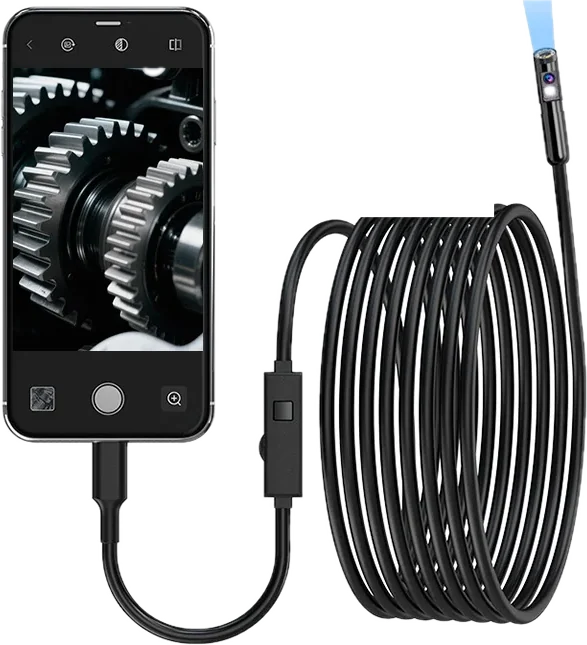
- Slide it inThrough a small hole, a drain, an air vent or an engine bay.
- Turn the steering wheelThe tip bends both ways and lights up what it sees.
The paint looks fine.
The number doesn’t.
Mould starts long before you can see it. Damp reads moisture 5–40 mm under the surface of plaster, cement and wood — no pins, no holes. Slide it across the wall and watch the number climb.
- Zero it in the airPress ZERO once — it calibrates itself in a second.
- Touch the ball to the wallThe reading appears on its colour screen. No phone needed.
- Map the patchMove until the number drops — that’s the edge of the leak.
Start with what’s wrong.
We’ll tell you which tool.
Pick a tool to see the jobs it’s good for. Each job shows which tool to use first.
Leak behind the shower
Find the cold patch, prove it’s water, then look at the joint — before anyone lifts a tile.
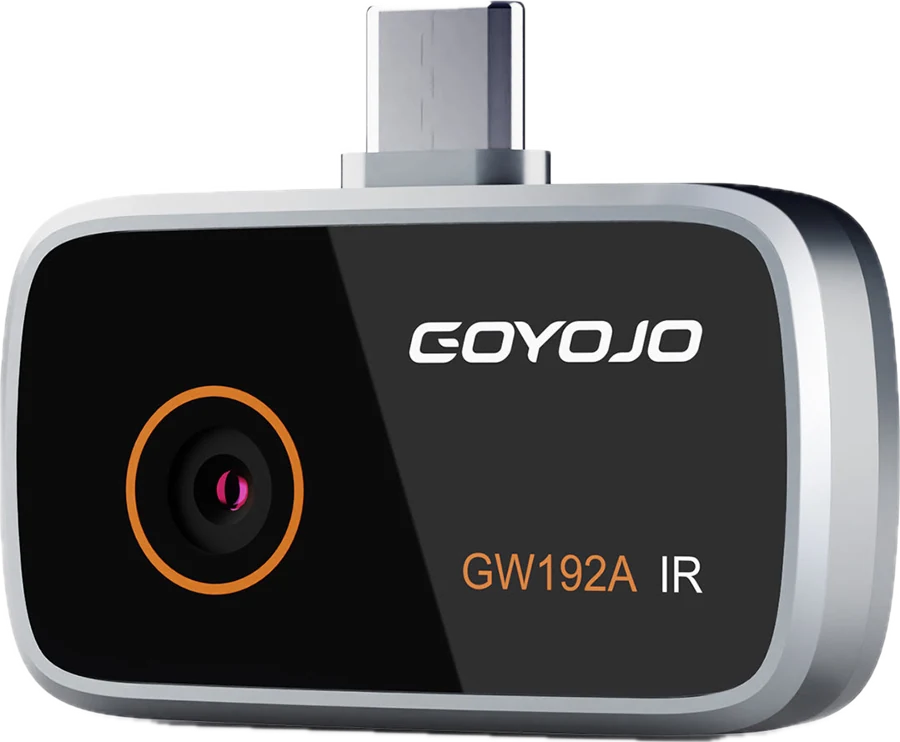
Mould behind the wardrobe
Check the wall before it turns black. Cold corners and wet readings mean poor airflow or a leak.
Hot switchboard or power point
Loose connections run hot long before they fail. Spot them safely from a distance — then call an electrician.
Blocked drain or pipe
See if it’s hair, roots or a broken pipe before you pay for a plumber’s camera.
Air-con not cooling
Check vents, ducts and the split system. Uneven colour shows blocked or leaking ducts.
Draughts and missing insulation
See exactly where winter heat escapes — around windows, doors and in the ceiling.
Before you buy or rent
A 15-minute walk-through with all three tools. Not a replacement for a licensed inspection — a way to know what to ask.
Inside an engine or appliance
Find the dropped bolt, check a cylinder, look behind the dishwasher without pulling it out.
Ceiling stain after rain
Trace where the water travels from the roof, and check if the plaster is still wet.
Five tools. Tap one to see it from every side.
Free tracked shipping, honest delivery dates, 30-day returns.
Spark
- Sensor96×96 · 25 Hz
- Range−20 to 400 °C
- Works withUSB-C iPhone · Android
Spark Pro
- Sensor256×192 · 25 Hz
- Range−20 to 350 °C
- Works withUSB-C iPhone · Android
Reach 360
- Camera6.2 mm · 2 MP · 8 LEDs
- Tipbends 180° each way
- Works withUSB-C phones
Reach Duo
- Camerafront + side · 2 MP
- Cable1 m semi-rigid · IP67
- Works withEvery iPhone · Android
Whole Home Kit
- Find, confirm, lookall three steps
- SeparatelyA$564
Got a USB-C phone? Everything plugs straight in.
That’s every recent Android and iPhone 15 or newer. Older iPhones have a Lightning port — pick your phone to see which tools work with it.
Thermal cameras: the maker lists iPhone 15 Pro – 17. Have an iPhone 18 or a base iPhone 15? Email us before you order and we’ll check.
Before you buy
Doesn’t my phone already do this?
No. Phone cameras see light, not heat — thermal needs its own sensor and a germanium lens. “Thermal” apps only add a colour filter. The Pixel Pro’s temperature sensor reads one spot, not a picture.
Do I need a special app?
Yes, a free app from the App Store or Google Play. The right one for your tool is named on its product page and in the manual in the box.
How long does delivery take?
Usually 7–19 business days with tracking: 1–3 days to pack and hand over, then 6–16 days in transit from our partner warehouse. We show the delivery estimate at checkout — no “2-day” promises.
What if it doesn’t fit my phone?
Use the phone picker above before you order. If it still doesn’t work, send it back within 30 days for a refund.