Does the iPhone have a thermal camera?
It's a common question, and a lot of apps answer it the wrong way. Here's what the iPhone's cameras can and can't see, and what it takes to see heat with one.
No. No iPhone has a thermal camera built in: its cameras see visible light, and the LiDAR sensor on Pro models measures distance, not heat. Apps that promise to turn your phone into a thermal camera only add a color filter. To see heat you need a plug-in thermal sensor — like Spark or Spark Pro on a USB-C iPhone 15, 16, 17 or 18.
Why the iPhone can't see heat
Everything gives off heat as long-wave infrared light, at wavelengths around 8–14 micrometers. Phone cameras are built for visible light: their sensors don't respond to those wavelengths, and their glass lenses block them anyway. That's why thermal cameras use a different kind of sensor and a lens made of a material such as germanium.
The Face ID projector and the LiDAR scanner on Pro iPhones do use infrared — but near-infrared light they send out themselves, to measure shape and distance. Neither can read temperature.
What about thermal camera apps?
An app can't add a sensor the phone doesn't have. "Thermal" camera apps recolor the normal camera picture so it looks like a heat map. A cold window and a warm one look the same color, because the app is coloring brightness, not temperature.
A quick way to test a thermal app
- Pour hot water into one glass and cold water into an identical one.
- Stand them side by side and point the app at them.
- A real thermal camera shows two clearly different colors. An app that only recolors the normal picture shows the two glasses almost the same, because they look the same in visible light.
How to add a real thermal camera
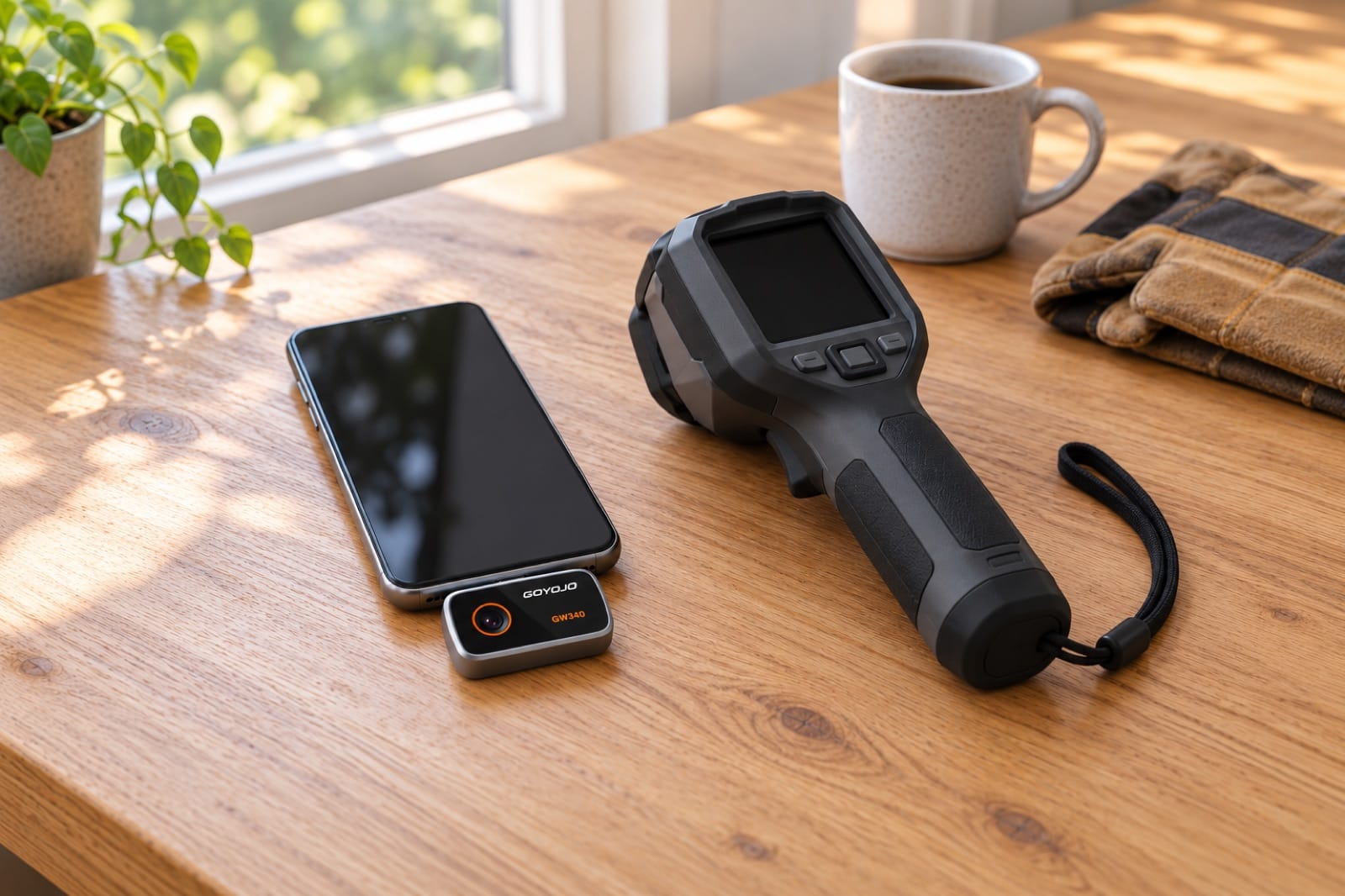
- A plug-in thermal camera. A small module with its own thermal sensor plugs into the phone's port and shows the image in an app. On a USB-C iPhone, Spark and Spark Pro plug straight in and use the free THG Start app.
- A handheld thermal camera. A separate device with its own screen — more to carry, and usually more expensive.
- A rugged phone with one built in. A few rugged Android phones have a thermal sensor, for example some Cat, Blackview, Ulefone and Doogee models. No iPhone does.
What a real thermal camera shows you
- A leak behind a wall. Wet material usually reads cooler than the dry wall around it: how to find a water leak behind a wall.
- Drafts and insulation gaps. See how to find drafts and insulation gaps.
- Outlets and power strips running hot. See hot outlets and power strips.
How the sensor works: how a thermal camera works. Thermal isn't the same as night vision: thermal camera vs night vision vs an infrared thermometer.
Which iPhones can take a plug-in thermal camera
Spark and Spark Pro work with USB-C iPhones from iPhone 15 to iPhone 18. iPhone 14 and older have a Lightning port and won't fit. The full list, for every tool, is on will it work with my phone.
Which of the two to choose, and how they compare with FLIR, InfiRay and Topdon: the best thermal camera for iPhone 16 and 17.